


The right motions for each body.
Dress-up mascots offer a broad library of walks, waves and dances. Companions and simple figures have smaller motion sets made for their shapes.
A little wizard, a shark hoodie, a pumpkin with a carved grin. Make a cute 3D character your own with shapes, colors, costumes and expressions. Animate it and take home images, clips or an editable 3D model.
Create and animate free, with no 3D experience or account. Try your own audio for 20 seconds; voice exports come with Plus at $12/month.
Made together in the Maker. Press play to see Honey Bear move and speak in one recorded clip.
Hello, I am Honey Bear. Let us make something together. We can pause, take a breath, and explain the next idea. Thank you for watching.
Choose a character. Make it yours.
Pick motions and expressions. Add a voice if you like.
Record your clip. Reuse the character next time.
53 characters to start from: hooded mascots, costumes, woodland friends, little blobs, food and robots. Each has editable shapes, colors and motions. Pick one to start free.
 Honey Bear
 Cloud Rabbit
 Misty Koala
 Hooded Cub
 Raincoat Bunny
 Scarf Fox
 Bell Shroom
 Seed Pod
 Acorn Walker
 Mallow Blob
 Pip Horn
 Pudding Pal
 Toast Buddy
 Pear Pal
 Tea Cup
 Mochi Bear
 Clover Bunny
 Acorn Cub
 Harbor Bear
 Studio Gardener
 Sprout Guide
 Pebble Host
 Pocket Lamb
 Moss Tortoise
 Pillow Dragon
 Teddy Bear
 Fold-ear Pup
 Bean Penguin
 Cloud Ray
 Puff Cloud
 Jelly Bell
 Float Ghost
 Pocket Console
 Loop Rover
 Pip Scout
 Developer Robot
 Chubby Robot
 Marshmallow Robot
 Soft Buddy
 Little Wizard
 Pumpkin Witch
 Pumpkin Hoodie
 Bat Hoodie
 Little Devil
 Shark Hoodie
 Hammerhead Hoodie
 Whale Shark Hoodie
 Dino Hoodie
 Frog Hoodie
 Penguin Hoodie
 Little Santa
 Little Chef
 Little Astronaut
Real Maker characters, ready to edit and animate.
Browse them by categoryStudio GardenerGive your site a welcome, a moment of waiting and a small celebration. Keep the same character, colors and personality across your project.
Try the Studio Gardener sample set, then open its recipe in the Maker to change the look or record another motion.
Download the free sample ZIPHats, hoods, horns and wings are real parts fitted to each character, not recolors. Pick the species, the hat or the prop, change the colors, then make them move.
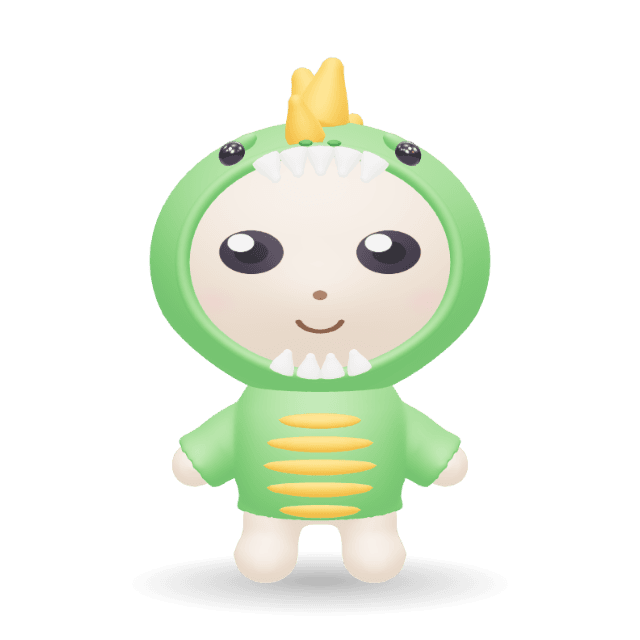
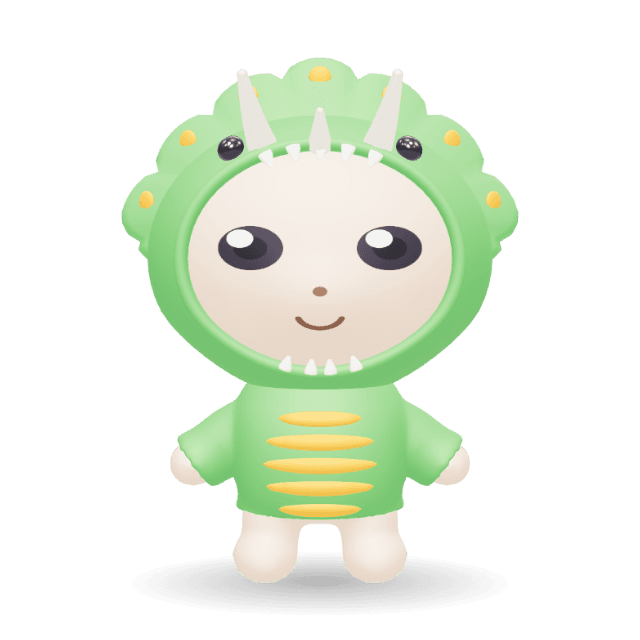
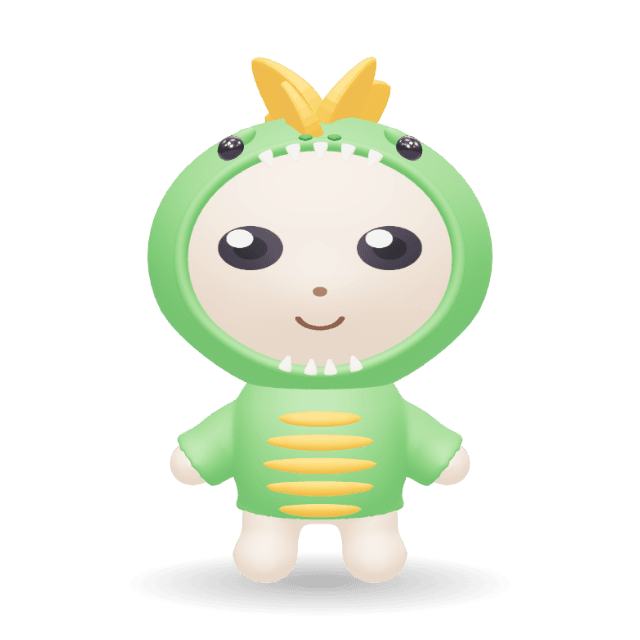
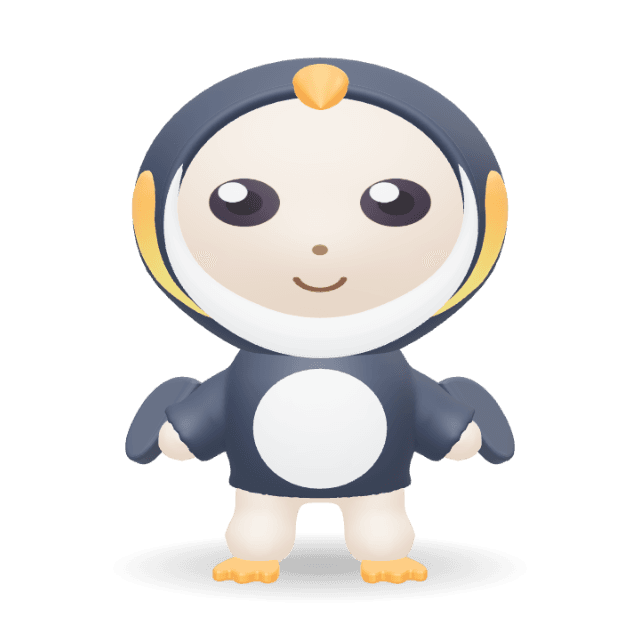
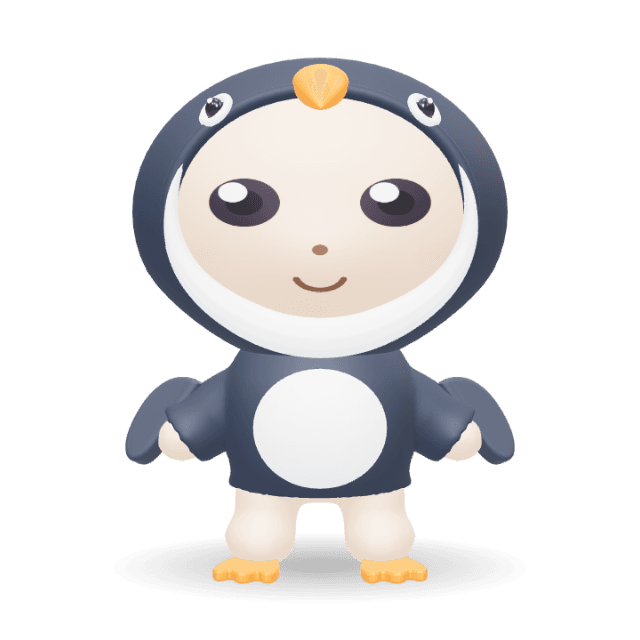
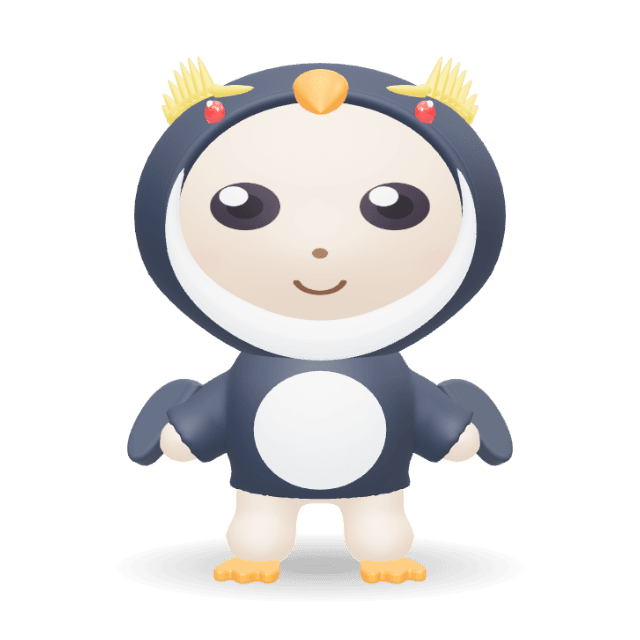
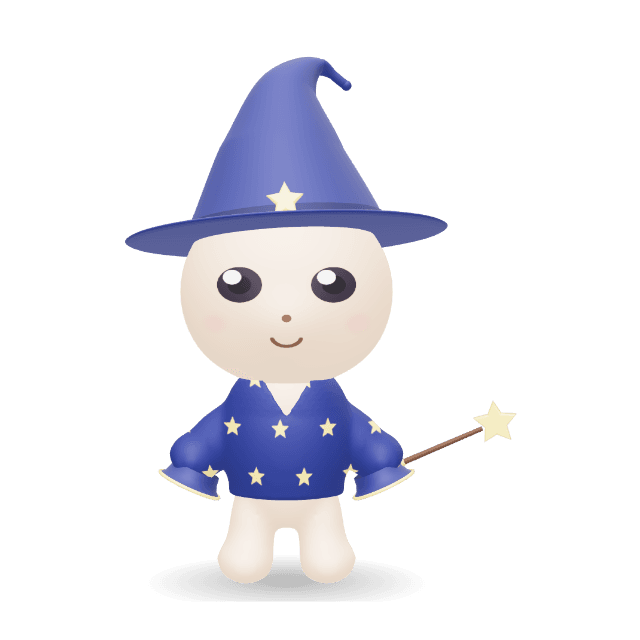
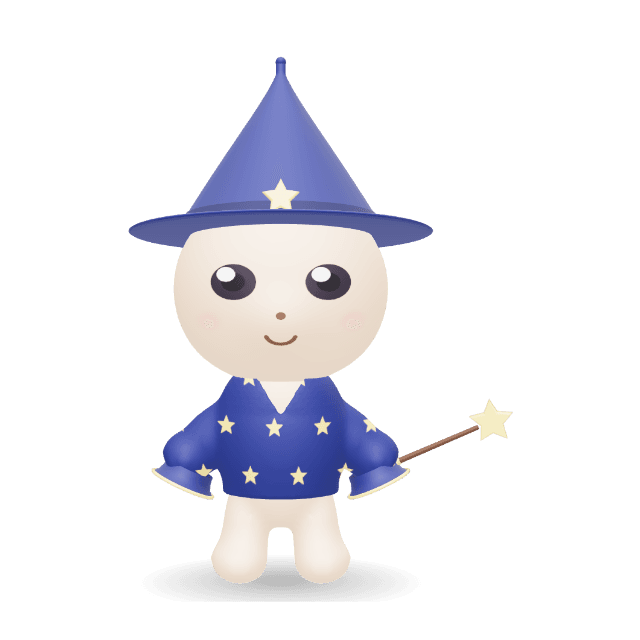
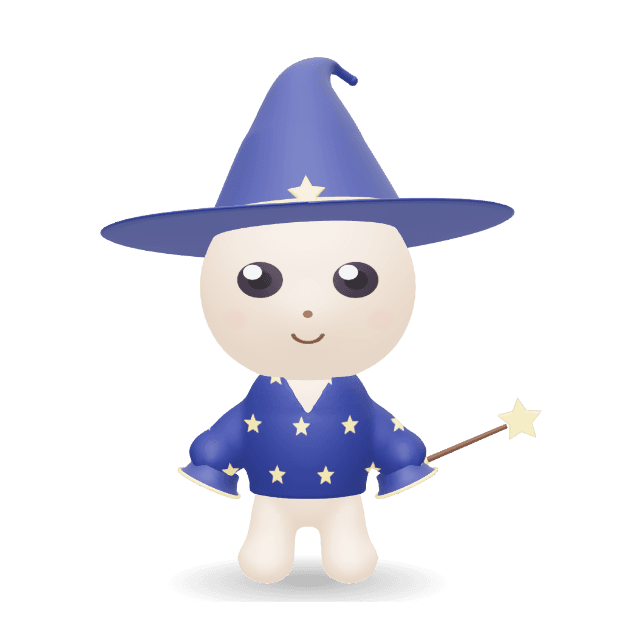
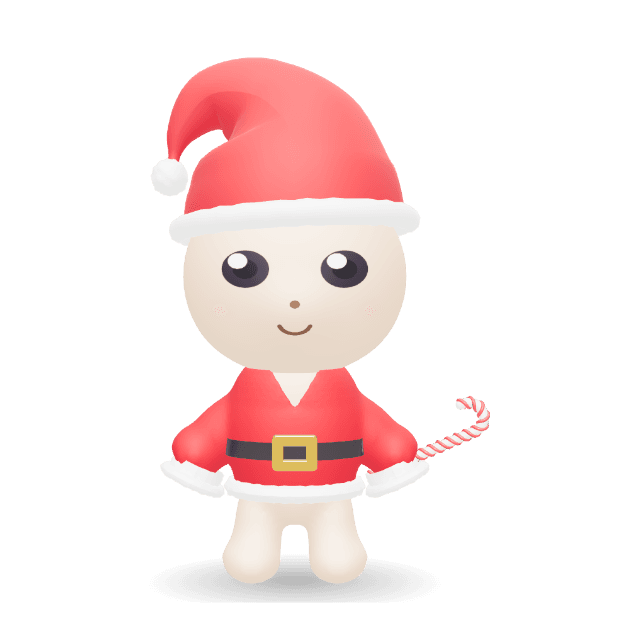

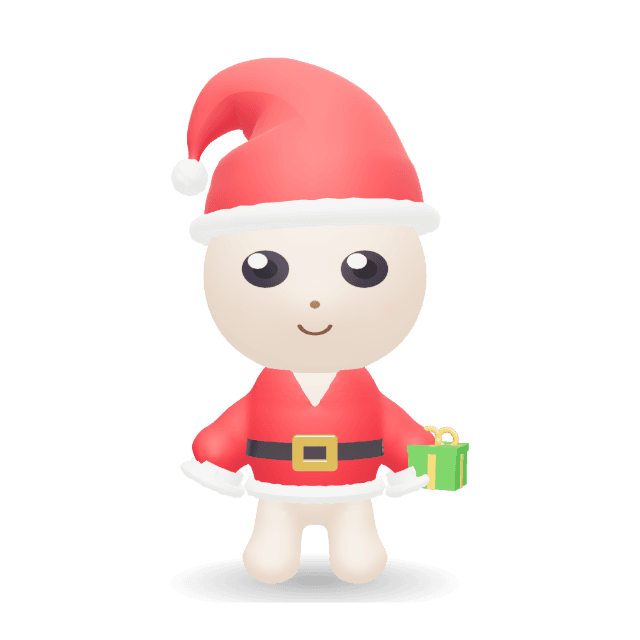
14 costumes, each with parts you can swap, recolor and animate.
Dress one upBell ShroomDescribe a change to a dress-up mascot or supported companion. AI adjusts its available shapes, colors and parts. Compare Before / After, refine the preview, then apply the changes you want.
“Make the mushroom cap wider and the colors softer. Keep the same face.”
Manual editing and three-option variations are free. Plus adds AI editing with 1,000 shared credits/month. A successful appearance preview uses 1 credit; failed or unchanged results use 0.
AI edits existing characters and parts. Dress-up mascots also support AI motion sequences and talking videos; companions do not support voice input.
Pick ready-made motions and expressions, then watch them together. Add your own audio with a dress-up mascot and record the performance in the same workspace.
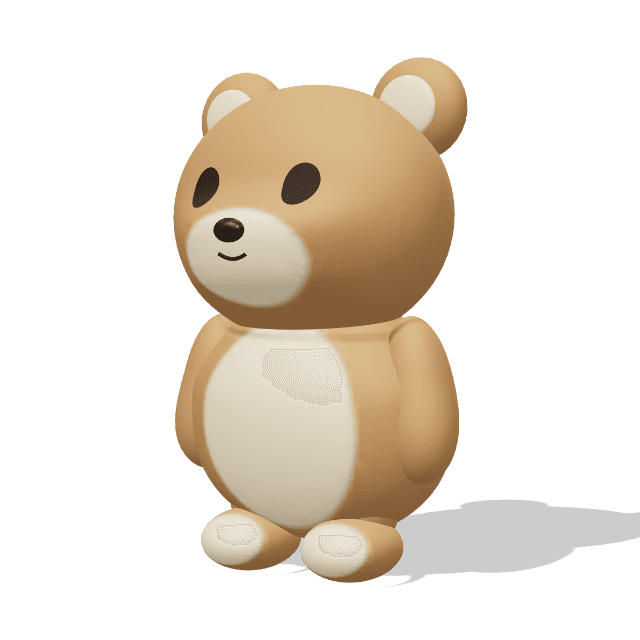
Start with this plush bear, change its colors and expression, then choose a motion to record.
Dress-up mascots offer a broad library of walks, waves and dances. Companions and simple figures have smaller motion sets made for their shapes.
Switch expressions while a motion plays — happy, surprised, sleepy, crying — and record the change, not just a pose.
Load an audio file and preview 20 seconds free with a dress-up mascot. Plus adds microphone input and MP4 or WebM recording with your voice included.
Dress-up mascots can combine motions and expressions into a sequence. All character styles can record a single motion in square, vertical or widescreen video.
GLB includes body animation with a static facial expression. Recorded clips include changing expressions.
Watch one in actionA presenter for your next video. A familiar face in your app. A character for the game you're making.
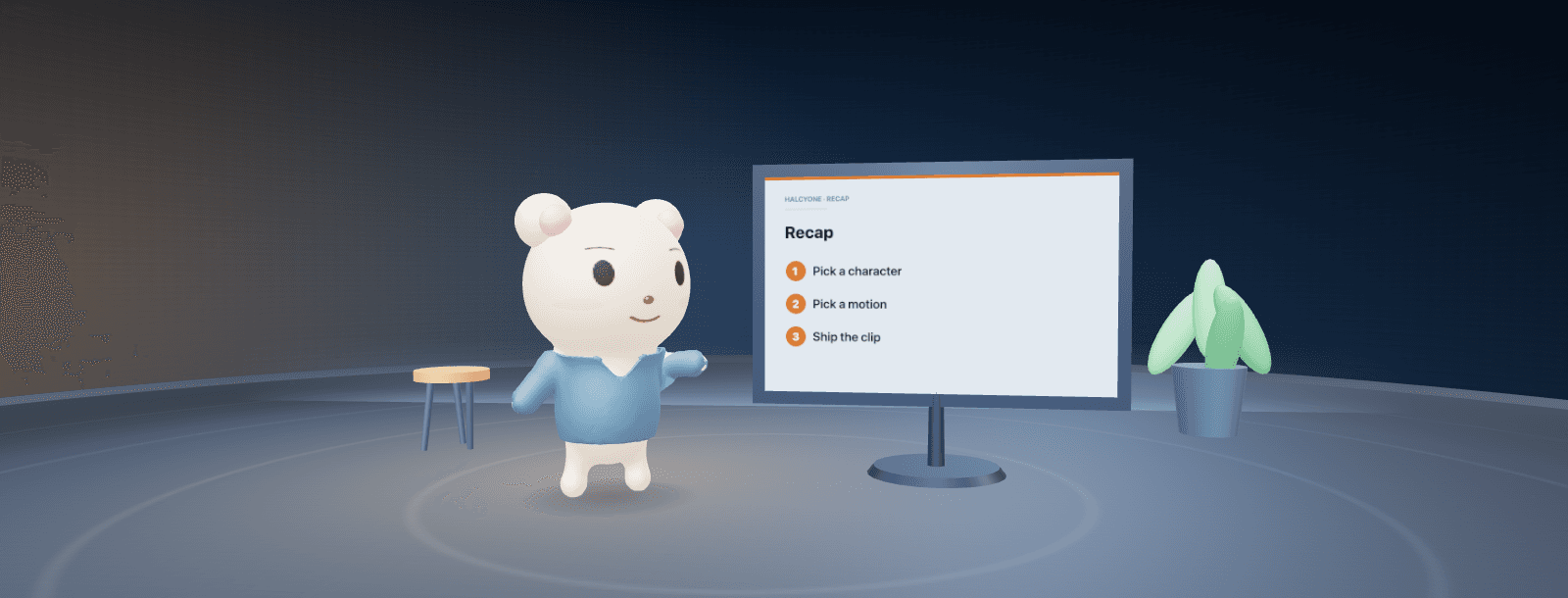 A mascot with something to say.Play the demo
Record expressions and motions as MP4, WebM or GIF. Frame a square sticker, a vertical clip or a widescreen presenter. Try your audio free; export your voice and gestures together with Plus.
Use a transparent PNG as an avatar, or a looping GIF for a loading, success or empty state. Match the colors to your product.
Take an animated GLB into a compatible 3D app or game engine. Body animations travel with it; the selected facial expression stays static.
Bring the character, gestures, voice and framing together. These guides walk you through recording a clip and reusing the character for the next one.
Start with a short script. Preview the voice and gestures, then export your first speaking take.
Follow the voice guideChoose transparent, greenback or a solid background to suit the app where you will finish your video.
Choose your export setupChoose an image, a clip or a 3D model. Here's exactly what each format keeps, and which plan includes it.
Your first basic download needs no account. A free account unlocks unlimited basic downloads. Plus is $12/month; Pro is $29/month. FBX, BLEND and VRM export are not currently available.
Compare plansHalcyone Maker is a free browser-based cute 3D character maker. Customize dress-up mascots, woodland friends, food characters, animals and robots, then animate and export images, clips or 3D models. Plus adds AI appearance editing for supported characters and voice-driven recording for dress-up mascots.
Compare character toolsA browser workspace for making and animating 3D characters. Start with a ready-made mascot, woodland friend, food character, animal, robot or simple figure, change its look, choose motions and expressions, and record a clip. Dress-up mascots can also use your own audio. You can export clips, images or 3D models without learning modeling or rigging.
Choose dress-up mascots, woodland friends, little creatures, food and object characters, animals, floating friends, robots or simple figures. The new storybook collection includes Hooded Cub, Raincoat Bunny, Scarf Fox, Bell Shroom, Seed Pod, Acorn Walker, Mallow Blob, Pip Horn, Pudding Pal, Toast Buddy, Pear Pal and Tea Cup. Each starting character has its own supported shape controls and motions.
Yes. In Manual, lock the features you want to keep and compare three appearance options before applying one. Small changes makes a subtle adjustment; Change the mood explores a wider range. Applying is one undoable edit. This does not use AI credits.
With Plus or Pro, describe a change to a supported mascot or companion, review Before / After and apply the result. AI edits existing shapes, colors and parts; it does not generate arbitrary new 3D geometry. All new storybook characters support AI appearance editing. Developer Robot, Chubby Robot, Marshmallow Robot and simple figures use manual appearance controls.
Yes. Choose a dress-up mascot, open Clip → Voice, load an audio file and preview up to 20 seconds free. The mouth follows audio volume. Plus adds microphone input and voice-driven exports; MP4 and WebM include the sound, while GIF is silent. In Manual, audio stays in your browser and must be selected again after reopening.
Yes. With Plus or Pro, choose a dress-up mascot and open Clip → Voice → Script. Type up to 200 characters, pick Bright, Warm or Calm and make the voice (1 AI credit; a failed voice uses none). The mouth and speaking gestures follow the voice; preview it, then download an MP4 or WebM with the sound. AI edit → Make a talking video also plans the look and the line together and exports them in an asset ZIP. Save take keeps the line, plan and source audio with your saved character. A GLB export does not include the voice or animated face.
Yes. Building, customizing, previewing and your first basic export are free without an account. A free account makes basic Character Maker exports unlimited. Audio file preview is free for 20 seconds with dress-up mascots. Plus adds AI appearance editing for supported mascots and companions, voice-driven recording for dress-up mascots, GLB Studio recording, additional 3D formats and larger save limits.
Free for building; a free account adds unlimited basic exports and 3 saved characters. Plus is $12 per month or $115.20 per year. Pro is $29 per month or $278.40 per year.
No. You assemble characters from friendly parts and sliders — there is no modeling, rigging or timeline to learn. If you have never opened a 3D tool, you can still make a finished character.
Free includes PNG, GIF, MP4, WebM and animated GLB, plus the dress-up mascot expression ZIP. Plus and Pro add glTF ZIP, OBJ with MTL and textures, USDZ and STL. glTF retains the model and body motions; OBJ, USDZ and STL are static. STL contains no colors or face artwork and needs print preparation. FBX, BLEND and VRM are not currently available.
GLB uses standard glTF 2.0 with materials and body animations. Some characters use a skeleton; others animate separate model parts. Tools with a glTF importer can load it; Unity needs an importer such as glTFast. The selected face is static, and import appearance can vary. Use the GLB guide inside Maker to choose a workflow.
Yes. Record MP4 for social posts or YouTube in 16:9, 1:1 or 9:16. MP4 has no transparency; transparent areas are saved on white. For video editors such as CapCut, Premiere Pro, Final Cut Pro, iMovie or DaVinci Resolve, choose Video editor in Clip → Export to save a green-screen MP4 you can key out. Transparent WebM suits OBS and web pages. GIF recording is silent and does not preserve alpha. Test a short export in your destination app; format and transparency support vary.
Not a full one. There is no face tracking, Live2D or VRM rig. With Plus, dress-up mascots can animate their mouths from a microphone or audio file for recordings.
Exports are intended for use in your own projects; see the pricing page and current terms for commercial-use details.
Start with a favorite. Change its shapes, colors and costume, then bring it to life.
Create and animate free. Add voice to your exported clip with Plus.