A Halcyone Maker field guide
GLB to PNG: save a transparent picture of a 3D model
There are two ways to get a PNG out of a 3D model here, and they give different pictures. The free one saves the model as a 2D illustration with ink lines. The other saves the 3D shot as you staged it, with its light and angle. Both keep a transparent background, and both run in your browser.
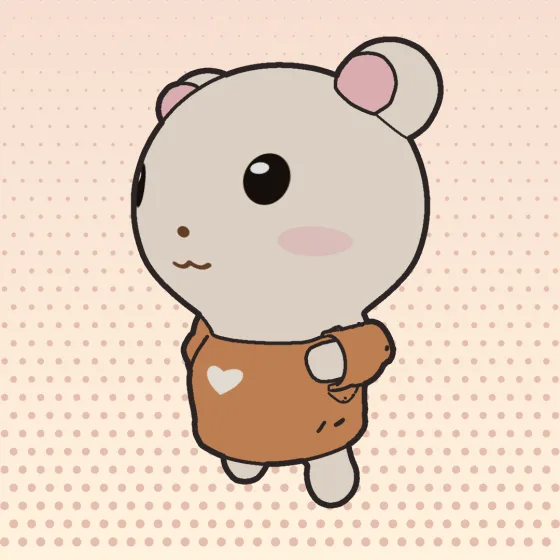
1. Open the model and choose the pose
Open the 3D to 2D converter and press Open a file, or drag a GLB, glTF or VRM onto the page. The model appears in the 2D look, on the View tab.
Drag to orbit and scroll to zoom until the model sits the way you want it. If the file has animations, choose one under Motion, press Pause and drag the timeline to the pose. The PNG is taken from the view and the pose on screen.
2. Adjust the lines
Line sets the weight of the ink. It is chosen automatically for each model, marked auto, until you move it. Inner sets the lines inside the model; at 0 only the outline remains.
Color sets the ink: Ink for one dark line color, Parts for inner lines in a darker shade of each part's own color, or Custom for a color you pick.
3. Download the free 2D PNG
PNG background offers Transparent, White and Color. PNG size offers 1024 px and 2048 px, the long side of the render.
Press Download 2D PNG · Free. A transparent PNG is trimmed to the model with a small margin, so it comes out at up to the size you picked; White and Color keep the full frame. No account is needed.
The other route: a PNG of the 3D shot (Plus)
For a picture of the model in 3D, with light and shading, switch the look to 3D and open the Record tab. Choose a Shape: Square is 1080 × 1080, Vertical 1080 × 1920 and Wide 1920 × 1080. Leave the background on Transparent, then set the light and the angle in the Shoot step.
Under Format choose PNG of the shot and press Download PNG. It saves the first frame of the take. To save a pose from the middle of an animation, pause in the View tab and drag the timeline to the pose. Then open Record, keep Single selected in the Move step, open the Shoot step and choose From where it is now. That choice is offered only for a model with animations.
PNG of the shot is one of the Record tab's exports, and saving those of your own model requires Plus ($12/month or $115.20/year). It also works in the 2D look, with the shot's shape and background.
Sprites and frame sets
Each press saves one PNG. To build a set of poses for a game or a storyboard, keep the camera where it is, move the timeline to the next pose and download again. With White or Color as the background each picture keeps the full frame, so the set lines up.
The Studio does not assemble a sprite sheet from a model you bring. Sprite sheets are part of the one-click asset sets for characters made in Halcyone Maker.
If the PNG is not right
The PNG is smaller than the size you picked: a transparent PNG is cropped to the model. Choose White or Color to keep the full frame.
A white model disappears on a white page: keep the outline visible with a heavier Line, or choose a colored background.
The drawing looks busy: lower Inner before lowering Line. For a sticker, raise Line and set Inner to 0.
There is no Download 2D PNG button: it appears on the View tab when the look is 2D. In 3D, press Switch to 2D.
Formats, and what is free
Input: GLB, glTF 2.0 and VRM. A glTF with separate files opens when you choose them together, drop the folder or open the ZIP. FBX, OBJ, USD and Blender files do not open here; export them as GLB, or as glTF 2.0 with its files, first.
The 2D PNG of the model you opened is free with no account. PNG of the shot, GIF, MP4 and WebM from the Record tab require Plus. The model is processed in your browser and is not uploaded.
Questions
Can I convert a GLB to a PNG for free?
Yes, as a 2D illustration. Open the model in the 3D to 2D converter and press Download 2D PNG · Free. It needs no account.
How large is the PNG?
The free 2D PNG is rendered at 1024 or 2048 pixels on the long side. A transparent one is then trimmed to the model, so it can come out smaller; White and Color keep the full frame. A PNG of the shot uses the shape's size, such as 1080 × 1080 for Square.
Can I save a PNG of the 3D render, not the 2D look?
Yes. In the Record tab choose PNG of the shot and press Download PNG. Saving it requires Plus.
Can I get a PNG from the middle of an animation?
Yes. In View, pause and drag the timeline to the pose, then download the 2D PNG. For a PNG of the shot, open Record with Single selected, choose From where it is now in the Shoot step, then press Download PNG.