Preparing 3D preview…
Turn a 3D model
into a 2D illustration.
Open a GLB or glTF, adjust the lines and colors, and download a transparent PNG. Free, no sign-up. Your file never leaves your device.
GLB, glTF and VRM — a glTF with its separate files works too: choose them together, drop the folder, or open the ZIP. Draco, Meshopt and KTX2 compression are supported.
Free 3D to 2D converter
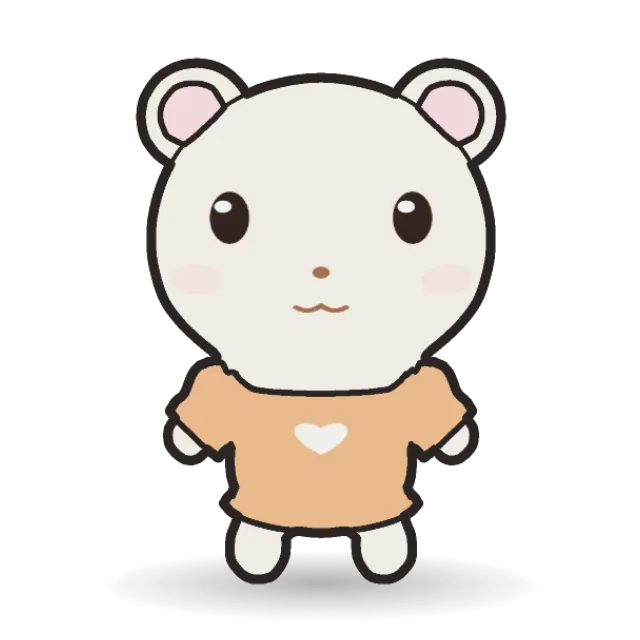
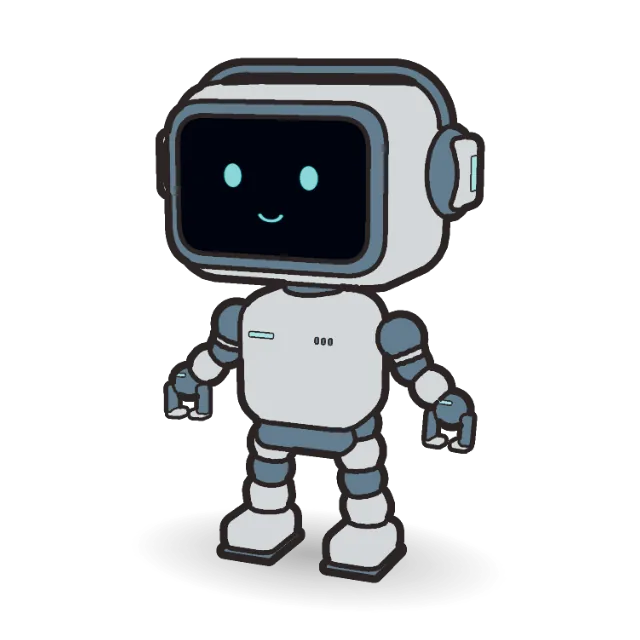
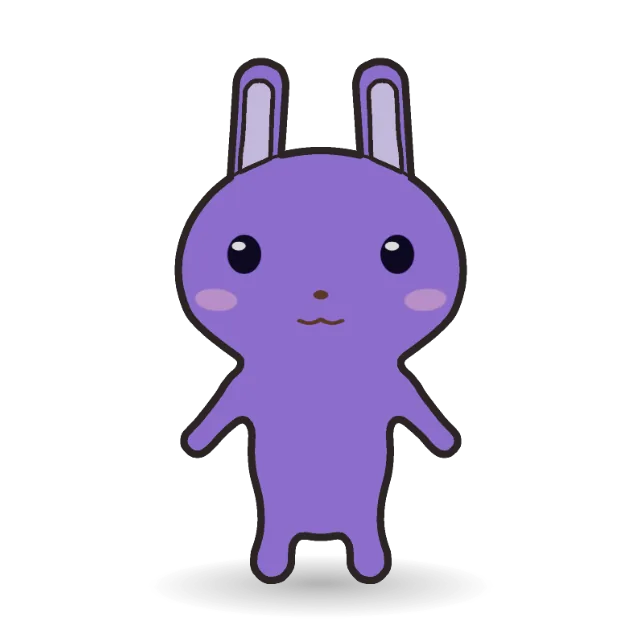
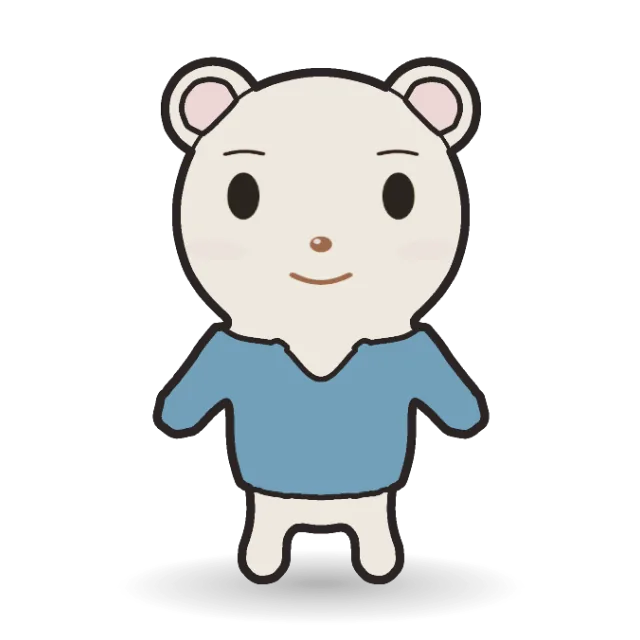
Turn a .glb or .gltf model into a flat 2D illustration: one clean color per surface and ink lines that follow the outline, the places where parts meet, and the edges where an arm or a sleeve passes in front of the body. It is the same 2D look Halcyone Maker uses for its characters, applied to your own model, in your browser.
How to convert a 3D model to 2D
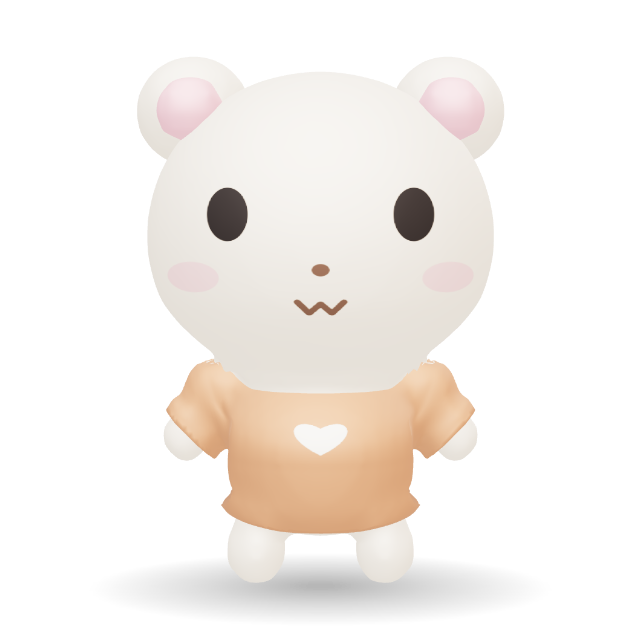
- Open a GLB, glTF or VRM file (a folder or ZIP works too), or try the Honey Bear sample.
- Adjust Line, Inner and the line color. Rotate, zoom and scrub the animation to choose the pose.
- Pick a background and size, then click Download 2D PNG. Transparent PNGs are trimmed to the model.
New to the 2D look? Read the guide to 2D illustrations for line settings that suit stickers, app art and small icons.
Examples
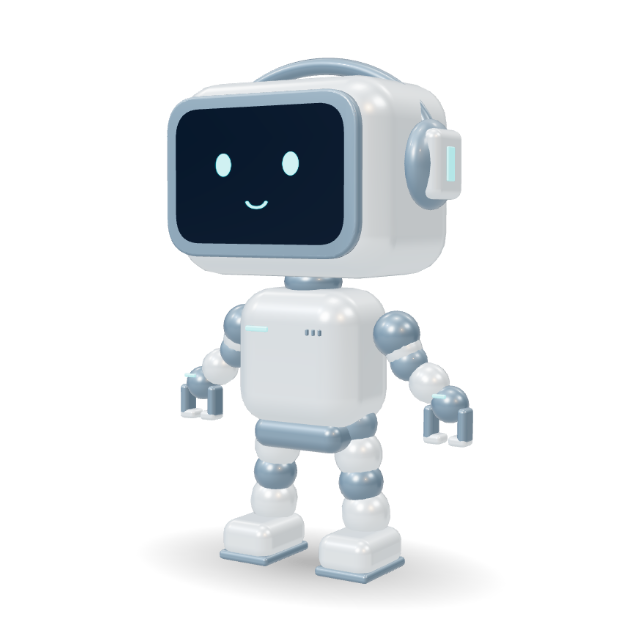
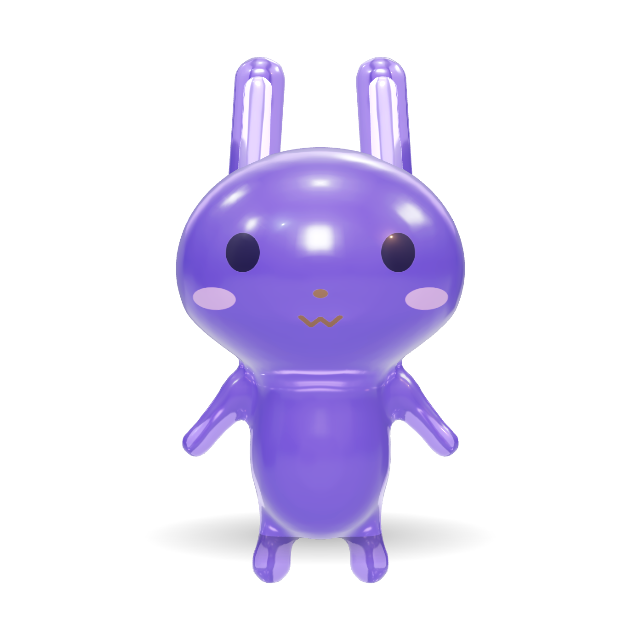
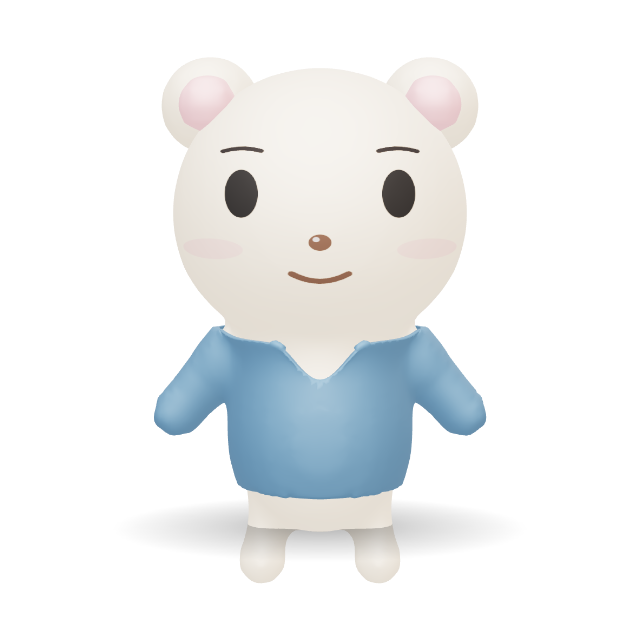
Characters from Halcyone Maker, as 3D models and in the 2D look with the standard settings.
What people use it for
- Stickers and emoji — a transparent PNG with a bold outline (raise Line, set Inner to 0).
- App and website illustrations — flat art that matches the 3D character used elsewhere.
- Thumbnails and slides — a clean, readable character on any background.
- Game and storyboard art — pose the model and capture consistent 2D frames.
Frequently asked questions
Is the 3D to 2D converter free?
Yes. Opening a model, switching it to 2D, adjusting the lines and downloading a PNG are free and need no account. Recording animated 2D clips (MP4, WebM, GIF) is part of GLB Studio with Plus.
Is my model uploaded?
No. The file is read and drawn in your browser. Nothing is sent to a server, so your model stays on your device.
What does the 2D look change?
Each surface is drawn as one flat color, and ink lines are added along the outline, where parts meet and where one part passes in front of another. The outline is the strongest line; lines inside the model are lighter. Small parts get thinner lines so they are not filled in.
Which settings can I adjust?
Line weight, the strength of the lines inside the model (down to an outline only), and the line color: one ink color, part colors (inner lines in a darker shade of each part), or any custom color. The PNG can have a transparent, white or colored background at 1024 or 2048 pixels; transparent PNGs are trimmed to the model.
Can I convert an animated model?
Yes. Animations keep playing in 2D, so you can scrub to the pose you want before downloading the PNG. To export the motion itself as a 2D video or GIF, open it in GLB Studio.
Which files work?
GLB, glTF 2.0 and VRM. A glTF with separate .bin and texture files opens when you choose the files together, drop its folder, or open the ZIP it came in. Draco, Meshopt and KTX2 (Basis Universal) compression are decoded in your browser. Links to files on the web are never downloaded. FBX, OBJ, USD and Blender files need converting to GLB first (in Blender: File › Export › glTF 2.0).
Want the motion in 2D too? Open GLB Studio to record the animation as a 2D MP4, WebM or GIF (Plus). The model and its 2D look come with you in the same tab.
Only need to inspect a model? The GLB viewer opens the same tool in 3D. No model yet? Make a cute character in Halcyone Maker — it can be 3D or 2D, and every image and video export follows its look.